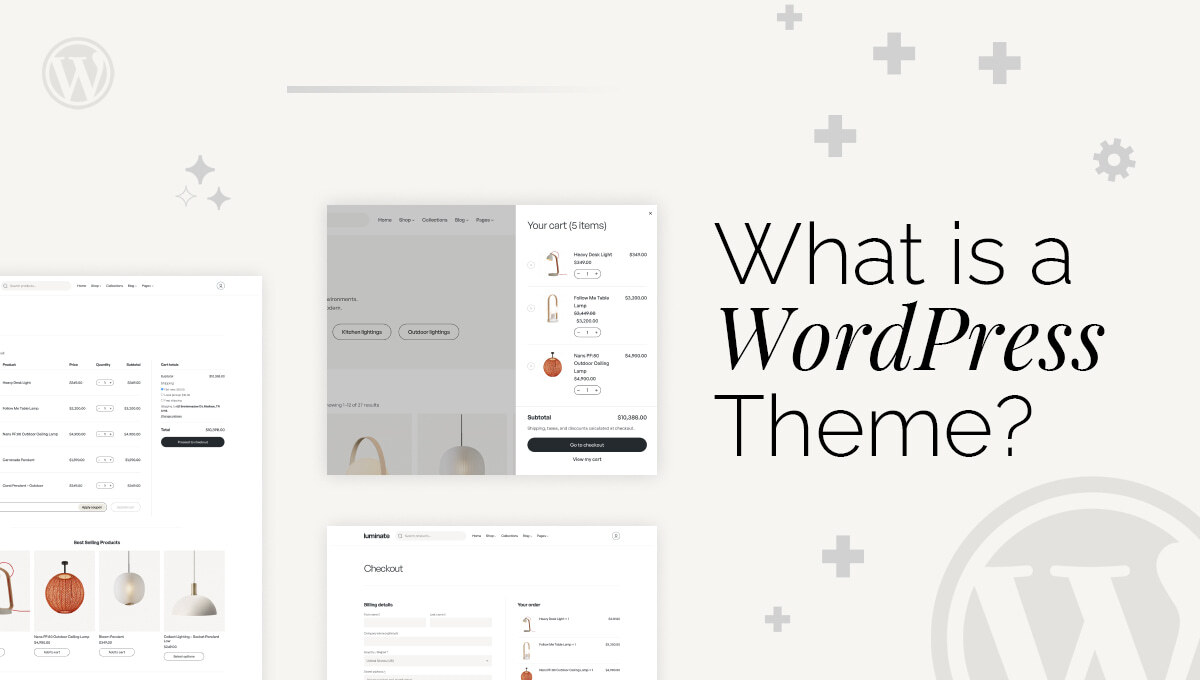
A WordPress theme is what gives your website its visual identity and structure. While WordPress handles the content and functionality behind the scenes, the theme controls how everything appears to your visitors.
If you’ve ever wondered why two WordPress websites can look completely different even though they use the same platform, the answer is simple: they are using different themes.
Think of a WordPress theme as the “design system” of your website. It defines how your pages are laid out, how your text looks, what colors are used, and how users interact with your content.
Without a theme, your website would still function, but it would appear as plain, unstyled content with no structure or visual appeal. A theme transforms that raw content into a professional, engaging experience.
A theme does much more than make your website look good. It directly affects how users interact with your site and how search engines evaluate it.
For example, a well-designed theme improves readability, navigation, and overall user experience. When visitors can easily find what they’re looking for, they stay longer and are more likely to take action—whether that’s reading a blog, filling out a form, or making a purchase.
Themes also play a crucial role in SEO. Search engines like Google consider factors such as page speed, mobile responsiveness, and clean code structure. A poorly optimized theme can slow down your site and hurt rankings, while a lightweight, fast theme can give you a competitive edge.
Behind the design, a WordPress theme is made up of several files that work together to display your website.
At its core are template files, which control how different types of content appear. For instance, your blog posts, pages, and homepage may all use different templates, each designed for a specific purpose.
Alongside templates, stylesheets define the visual appearance of your site. These control everything from colors and fonts to spacing and layout. JavaScript files add interactivity, enabling features like sliders, menus, and animations that make your site feel dynamic.
There is also a functions file that extends your website’s capabilities, allowing you to add custom features without modifying the WordPress core.
Together, these elements create a complete system that controls both the design and behavior of your website.
Not all themes are created equal, and choosing the right type depends on your goals.
Free themes are a great starting point for beginners. They are easily accessible and simple to use, but they often come with limited customization options.
Premium themes, on the other hand, offer more advanced features, better design quality, and dedicated support. Marketplaces like ThemeForest provide thousands of premium options for different industries.
In recent years, block themes have become increasingly popular. These themes are built for the modern WordPress editor and allow you to customize your entire site visually using blocks, without touching code.
There are also multipurpose themes, which are flexible enough to be used for almost any type of website, and niche themes designed specifically for blogs, eCommerce stores, or portfolios. For example, themes that integrate with WooCommerce are ideal for online stores.
For more advanced users, custom themes offer complete control over design and performance, but they require development expertise and a higher budget.
A WordPress theme works by taking content from your database and displaying it in a structured layout. This process is dynamic, meaning the same template can be used to display different content automatically.
For example, when someone visits a blog post, WordPress fetches the content from the database and uses a template file to display it with the correct layout, fonts, and styling. This system allows you to manage content easily while maintaining a consistent design across your entire site.
In most cases, the answer is yes. A theme is essential for creating a professional-looking website.
While it is technically possible to build layouts using page builders alone, they still rely on a theme in the background. Without one, your site would lack structure, styling, and usability.
A good theme ensures your website is not only visually appealing but also functional and user-friendly.
Choosing the right theme is one of the most important decisions you’ll make when building a website. It should align with your website’s purpose, whether that’s blogging, running a business site, or launching an online store.
Performance should always be a priority. A fast-loading theme improves user experience and helps with search rankings. You should also ensure the theme is mobile-responsive, as a large portion of users browse on smartphones.
Compatibility is another key factor. Your theme should work seamlessly with essential plugins such as Elementor or SEO tools, ensuring you can extend your site’s functionality without issues.
Finally, always choose a theme that is regularly updated and well-supported. This ensures security, compatibility, and long-term reliability.
Installing a theme in WordPress is straightforward. From your dashboard, you can browse the theme directory, install a theme with a single click, and activate it instantly.
Once activated, you can customize it using the WordPress Customizer or the Site Editor, depending on the theme type. These tools allow you to change colors, fonts, layouts, and branding elements in real time, making it easy to match your website to your brand identity.
Many beginners choose a theme based purely on appearance, ignoring performance and usability. This can lead to slow loading times and poor user experience.
Another common mistake is selecting a theme that isn’t updated regularly. Outdated themes can create security risks and compatibility issues with newer plugins and WordPress versions.
Overloading a theme with unnecessary features or plugins can also negatively impact speed and performance, which ultimately affects SEO.
A WordPress theme is much more than just a design layer—it’s the backbone of your website’s user experience, performance, and overall success. From layout and responsiveness to speed and SEO, the right theme plays a crucial role in how your website performs and how users interact with it.
Choosing a well-optimized, regularly updated theme ensures your site remains fast, secure, and scalable as your business grows. Whether you go with a free option, a premium solution, or a custom-built design, your decision should always align with your website’s goals and audience.
At WPDepend, we specialize in helping businesses choose, customize, and develop high-performance WordPress themes tailored to their needs. If you’re looking to build a fast, SEO-friendly, and visually stunning website, our team can help you create a theme that not only looks great but also drives real results.
A WordPress theme is a design template that controls how your website looks and feels, including layout, colors, fonts, and overall style.
WordPress offers both free and paid themes. Free themes are great for beginners, while premium themes provide advanced features, better customization, and dedicated support.
Yes, you can change your theme anytime. However, switching themes may affect your site’s layout and design, so it’s best to test changes before making them live.
Popular beginner-friendly themes include lightweight and flexible options like Astra and GeneratePress, as they are easy to customize and optimized for performance.
Yes, themes play a big role in SEO. A fast, mobile-responsive, and well-coded theme helps improve rankings on search engines like Google.
No, most modern themes are designed for non-technical users. You can customize them using visual editors and tools without writing any code.

A seasoned technology writer and marketing consultant with over a decade of experience helping businesses grow online. I specialize in content marketing, SEO, web design, and e-commerce development. I am enthusiastic about using cutting-edge technology to acquire high-quality traffic, generate leads, and increase sales for my clients.
