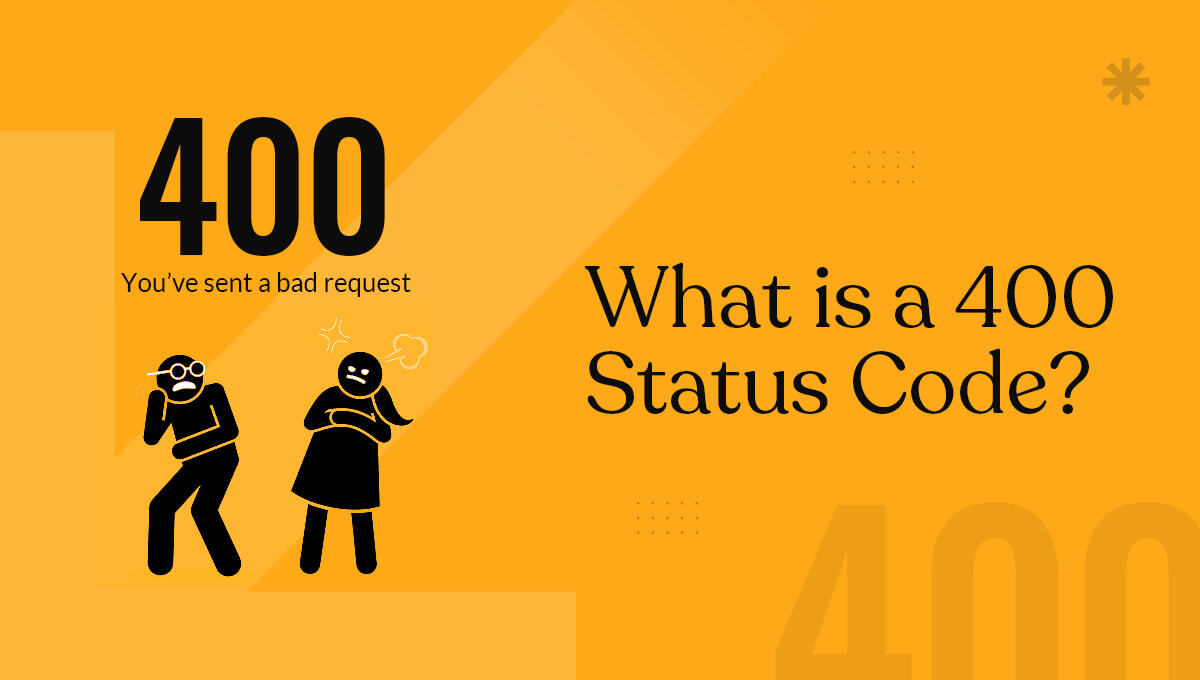
If you’ve ever tried opening a webpage and suddenly saw a message like “400 Bad Request”, it can feel confusing at first.
But the concept is actually quite simple.
A 400 status code appears when a server cannot understand or process the request sent by your browser. In other words, something went wrong on the user’s side (client-side) — not the server.
Think of it like this: you’re trying to send a message, but it’s incomplete or written incorrectly. The receiver simply can’t understand it, so they reject it. That’s exactly how a 400 error works.
A 400 status code, also known as “400 Bad Request”, is an HTTP response that indicates the request sent to the server is invalid.
This could happen due to a variety of reasons — maybe the URL is incorrect, the request is corrupted, or the browser is sending outdated data.
The important thing to understand here is that the server is working fine. It’s just unable to process what it received.
A 400 error usually happens when there’s something wrong with the request itself. This can be as simple as a typo or as technical as corrupted browser data.
One of the most common reasons is entering an incorrect URL. Even a small mistake in the address bar — like a missing character or an extra symbol — can trigger this error.
Another frequent cause is browser-related issues. Over time, cached files and cookies can become outdated or corrupted, which can interfere with how requests are sent to the server.
In some cases, the issue may arise when uploading files that exceed the server’s size limit. The server simply rejects the request because it doesn’t meet the required conditions.
There are also situations where browser extensions or plugins interfere with requests, modifying them in ways that the server cannot understand.
Lastly, network issues or unstable internet connections can sometimes result in incomplete requests, leading to a 400 error.
When you try to access a webpage, your browser sends a request to the server asking for that page.
If everything is correct, the server responds with the requested content. But if the request contains errors — such as invalid syntax, corrupted data, or missing information — the server responds with a 400 status code instead.
This is essentially the server saying:
“I received your request, but I can’t understand it.”
Yes, it can — especially if it happens frequently on your website.
While a single 400 error is not a major issue, repeated errors can negatively impact user experience. And since user experience is an important part of SEO, this can indirectly affect your rankings.
If search engines repeatedly encounter 400 errors on your site, it may signal poor site quality or technical issues, which can reduce your visibility over time.
That’s why it’s important to monitor and fix these errors as soon as possible.
Fixing a 400 error usually involves checking and correcting the request being sent to the server.
The first and simplest step is to double-check the URL. Even a small typo can cause the error, so make sure everything is entered correctly.
If the URL is correct, the next step is to clear your browser cache and cookies. This removes any outdated or corrupted data that might be causing the issue.
Sometimes, browser extensions can interfere with how requests are processed. Disabling extensions temporarily or trying the website in incognito mode can help identify if they are the cause.
If you’re uploading files and encountering a 400 error, check the file size. Many servers have limits, and exceeding them can result in a failed request.
It’s also a good idea to check your internet connection. A weak or unstable connection can lead to incomplete requests being sent to the server.
For website owners, reviewing server configurations and application settings can help identify deeper issues. Misconfigured rules or security settings may also trigger 400 errors.
Many 400 errors are caused by small but avoidable mistakes.
Incorrectly formatted URLs are one of the biggest reasons. Using invalid or unsafe characters in the URL can break the request entirely.
Another common mistake is relying on outdated browser data. If cache and cookies are not cleared regularly, they can cause conflicts.
Users also tend to overlook the impact of browser extensions, which can modify requests without them realizing it.
In some cases, developers may unintentionally configure server rules that reject valid requests, leading to unnecessary errors.
Avoiding 400 errors is mostly about maintaining clean and accurate requests.
Make sure URLs are always correctly formatted and free from unnecessary characters. Regularly clearing browser cache and cookies can also prevent many issues.
If you manage a website, ensure that file upload limits are properly configured and clearly communicated to users.
It’s also important to test your website regularly across different browsers and devices to catch issues early.
Keeping your website, plugins, and server environment updated helps reduce compatibility problems that can lead to errors.
A 400 status code means the server cannot understand or process the request due to an issue on the user’s side. It usually happens because of invalid or malformed input sent to the server.
In most cases, it’s a client-side issue. This means the request sent from your browser or device has a problem, not the server itself.
Yes, sometimes it resolves automatically if it’s caused by temporary issues like browser glitches or network problems. Refreshing the page can often fix it.
Start by checking the URL for errors, then clear your browser cache and cookies. Reload the page or try accessing it from another browser.
Yes, frequent 400 errors can harm user experience, which indirectly affects SEO. Search engines may also struggle to crawl affected pages properly.
Yes, poorly configured or conflicting plugins can send invalid requests to the server. Disabling them one by one can help identify the issue.
The 400 status code might seem technical, but at its core, it simply means the server couldn’t understand the request it received.
In most cases, the issue is minor — a typo, outdated cache, or a small configuration problem. But if left unchecked, repeated 400 errors can affect user experience and even your SEO performance.
The key takeaway is simple:
Always ensure your requests are clean, accurate, and properly formatted.
By following basic best practices and regularly monitoring your site, you can easily avoid 400 errors and keep your website running smoothly.

A seasoned technology writer and marketing consultant with over a decade of experience helping businesses grow online. I specialize in content marketing, SEO, web design, and e-commerce development. I am enthusiastic about using cutting-edge technology to acquire high-quality traffic, generate leads, and increase sales for my clients.
