Customizing your WordPress header can significantly improve the appearance and performance of your website. Although most WordPress themes come with a default header, most lack essential features and functionality. Knowing how to change the header in WordPress can help you add key elements such as social icons, navigation links, and a search bar. These not only make the website more user-friendly, but also make it look professional. Here is how to edit the header in WordPress to achieve a strong first impression and great user experience.
Before we can explore how to change the header in WordPress, a brief introduction to this part of your website is important. A website header is simply the top section of every page on your WordPress website. Although it is not often given much attention in web design, it is probably the first thing that visitors see.
A website header displays several elements, including your website logo and title. It may also include navigation menus, a search, and other important elements you want users to see. Although every header does not look the same, the elements added determine the experience users get when they visit your website.
Customizing your site’s header gives it a unique touch. It will look great, reflecting your brand, and become more useful for visitors. For instance, you can add the most popular pages and include call-to-action buttons for more conversions. You can even display social icons or business phone numbers, allowing visitors to easily contact you.
While editing the header in WordPress may sound complicated, there are several ways to do this. You can use a theme customization option, add a widget, or even edit the website’s code. Let’s have a look at the options:
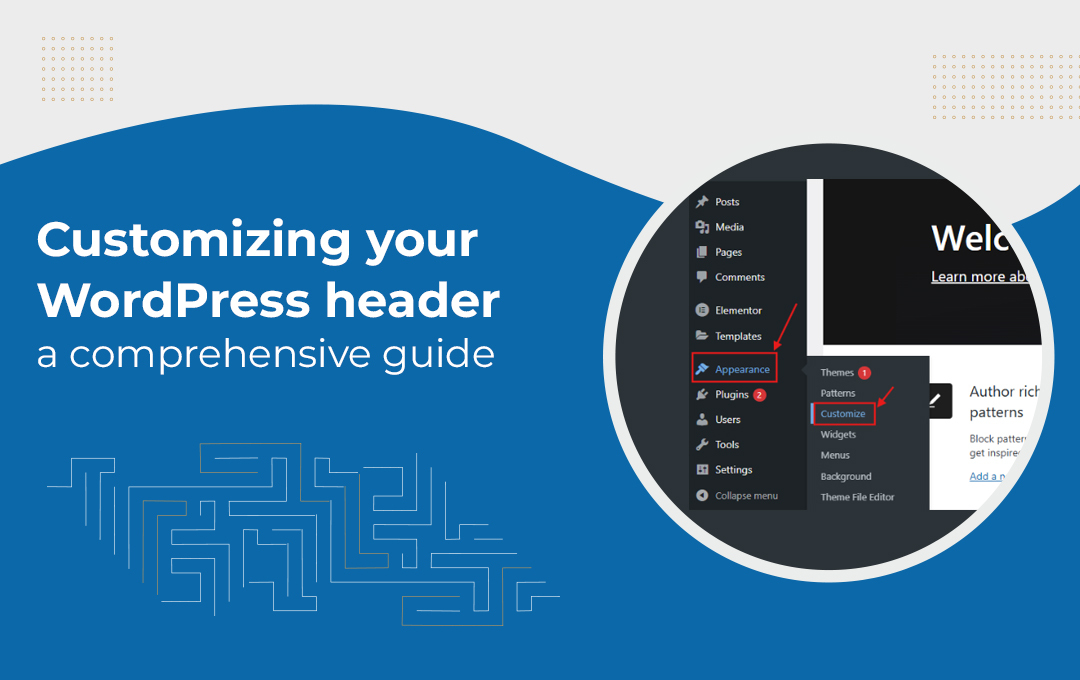
You can use the WordPress theme customizer to make changes to your site’s header area. Also known as a custom header, this feature is one of the easiest ways to change the header. To get started, navigate to Appearance » Customize in your WordPress admin area.
For WordPress versions later than 5.9, the Full Site Editor replaced the theme customizer. Although not all themes work with the full site editor, those compatible make it easier to edit the header. Start by navigating to Appearance » Editor to launch the full site editor. This feature is similar to the block editor you use to write WordPress posts and pages. Then click on the Page Header to start editing your site’s header. On the Settings icon on the toolbar, you can customize the header’s layout, border, color, and dimensions.
SeedProd is the easiest way to gain total control over your headers, footers, and sidebars on WordPress. This theme builder allows you to easily create a custom WordPress theme without writing any code, including headers, footers, and more. You can even create multiple custom header styles, allowing each section of your website to look unique. You only need to work with template tags such as the site logo and blocks like navigation menu, countdown timer, or social sharing buttons to customize your header.
Another way you can customize your WordPress website header is to add custom code. Although this is a more advanced approach, adding custom code to your website’s header section from your WordPress dashboard can help you achieve a specific feature or functionality. Find the theme’s header files: Appearance » Theme File Editor from the WordPress admin panel. Then scroll down in the ‘style.css’ theme files to the site header section to add or remove code.
Customizing your WordPress header can be challenging, especially if you lack the technical knowledge. While the several approaches shared above are effective, hiring a WordPress expert will make sure you get the exact results you are looking for. At WpDepend, we have a team of WordPress experts who will edit your header and maintain your overall website. Get in touch with us today for a personalized service.

A seasoned technology writer and marketing consultant with over a decade of experience helping businesses grow online. I specialize in content marketing, SEO, web design, and e-commerce development. I am enthusiastic about using cutting-edge technology to acquire high-quality traffic, generate leads, and increase sales for my clients.
